
NFT and Crypto News for Your Website
Placing an NFT and Crypto news feed on a Web page puts fresh content on your website without having to do any work beyond the original installation, and that doesn’t take much work. Even if you don’t write HTML code, plugins and built-in features for Web page templates and design programs are readily available online, often for free. The feed itself provides excerpts of news articles with links back to the original site.
Our feed sources for NFT and Crypto are:
https://www.livetradingnews.com/category/nft/feed
https://www.livetradingnews.com/category/crypto/feed/
1
Select a news feed plugin or extension that’s compatible with your site. If you're using online page templates for content management systems for blogging such as WordPress, Joomla, Drupal or Google’s Blogger, or commercial systems such as Type Pad or Nucleus CMS, each of these systems offers plugins or have basic news-feed functions built into the templates. Extensions are also available for Web design programs. While many of the plugins are free, premium plugins offer more advanced features. Unless the premium features provide an extra function necessary for your site, however, the free or low-cost versions will likely be enough to get you started. You can always upgrade later.
2
Install the plugin according to the provider’s specific instructions. While these can vary depending on the template CMS or design program you’re using, generally you click an install button within the CMS administration page or program menu to add the plugin. In other instances, you download the plugin first to your computer, then use a File Transfer Protocol program to upload it to a specified folder in your website’s file structure. This only takes minutes, after which a control for the plugin will appear in your CMS or program menu.
3
Determine where to place the news feed on your website. For templates, the plugin creates a widget that you can drag-and-drop into specific areas within the template, such as in sidebars that appear on one or every page of your site. Other plugins will generate lines of HTML code that you'll copy and paste into the HTML view of your page. In the latter case, typing in a line of “zzzzzz” in the standard view can act as a placeholder that you can easily find later in the HTML view and replace with the generated code.
4
Find an Internet news source that offers a feed through RSS, now commonly standing for Real Simple Syndication, but it has also been called Rich Site Summary and other names. Another syndication format, Atom, is also widely used on news sites. Sites can indicate their availability by displaying an RSS or Atom link, or the standard feed icon of broadcast waves in an orange square.
5
Copy the address of the news site offering the feed and place it in the URL slot of your plugin menu. The address is normally for a page that lists headlines and excerpts of articles that the source regularly updates.
6
Enter your choice for options the plugin offers, such as a header for the news feed and the number of article excerpts to include on your page. Since the news source limits the size of the excerpt you can display, each news item includes a link to the full article posted on the source site. Select the option to open the article in a new window or tab so as not to take the viewer away from your website. Additional options may affect how the feed is displayed, such as creating a sidebar box on your page or adding background color and other design features.
7
Save the changes. If you’re placing a widget on a template, the news feed will appear on your page, changing whenever the source does. If the plugin only provides the HTML coding, copy the lines of code and using the HTML view of your page replace the placeholder you set earlier with the new code, then save the page. Returning to normal view shows the news feed in place.

Economic Calendar and Trading Strategies for the Week Ahead: July 20–24, 2026
A pivotal week for markets: Iran's closure of the Strait of Hormuz sends crude above $86 and gasoline over $5, while Alphabet, Tesla and Intel earnings test the AI trade. Full economic calendar plus trading strategies across oil, gold, Bitcoin, FX and AI chip stocks.
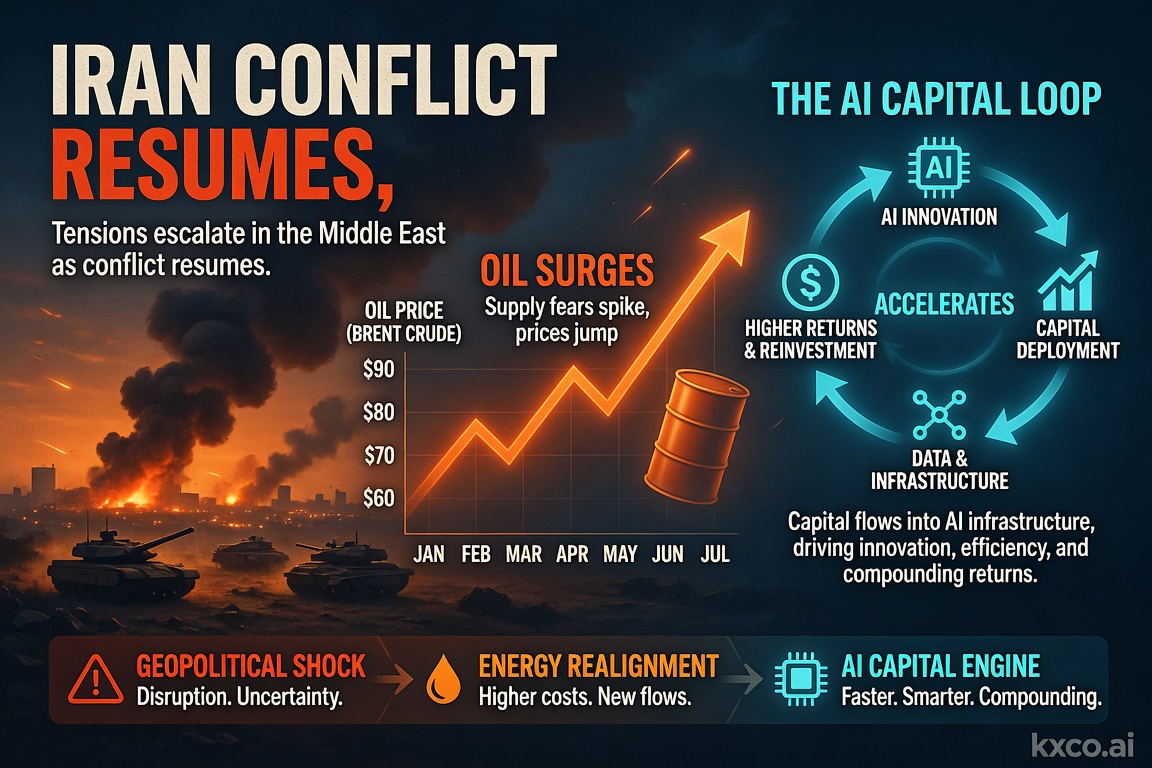
Economic Calendar and Trading Strategies for the Week Ahead: July 14–18, 2026
A pivotal week for markets: US strikes on Iran reignite the oil risk premium, June CPI and retail sales test the Fed's rate-cut path, and the $1 trillion AI capital loop keeps driving the tech trade. Full economic calendar plus trading strategies across oil, gold, Bitcoin, FX and AI stocks.
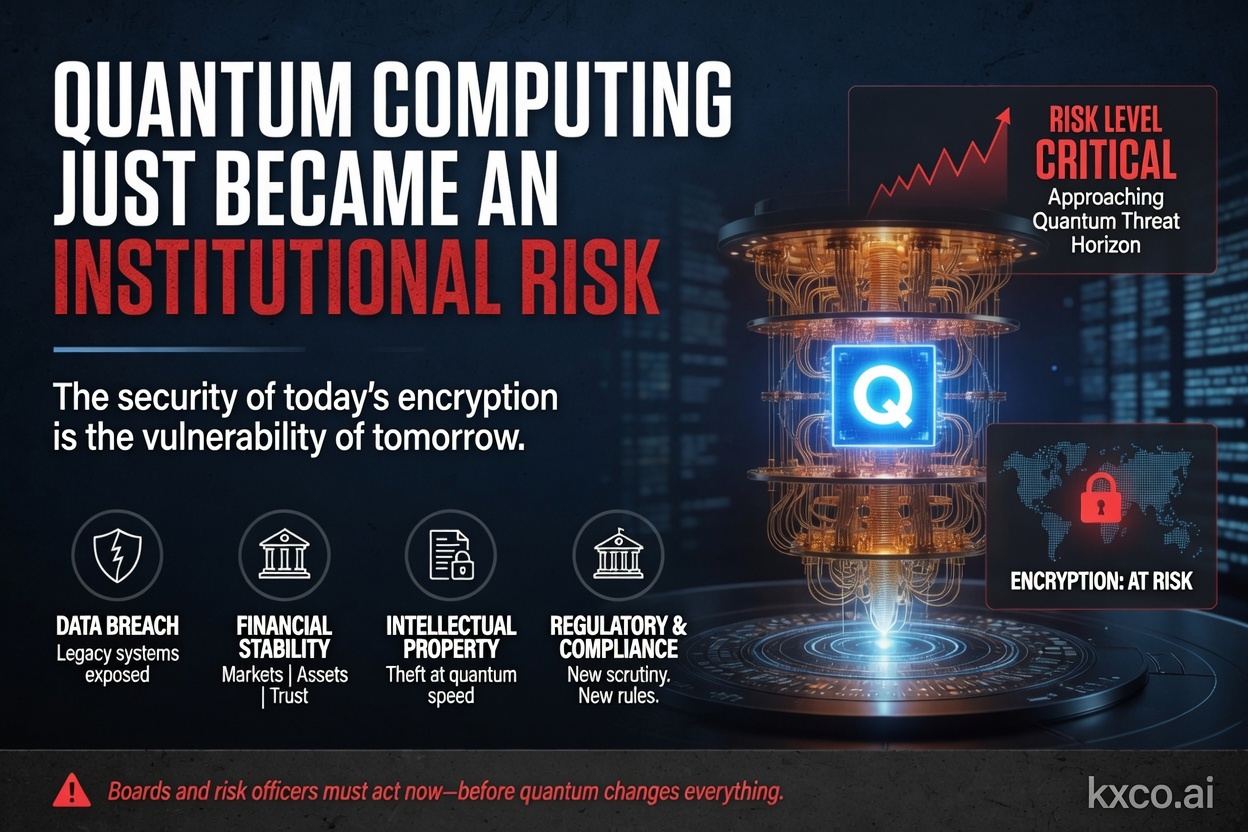
Quantum Computing Just Became an Institutional Risk
Shayne Heffernan on BlackRock's quantum-computing warning for Bitcoin and Ethereum, Google's cryptanalysis research, the two on-chain risk vectors, and how KXCO's Armature L1 — post-quantum from genesis, coordinated by its ontology — answers a threat that just went institutional.

Quantum, AI and the Trust Problem Markets Aren't Pricing
Quantum computing and AI agents are usually traded as separate stories. They are one story, and it is about trust. Shayne Heffernan on why the financial system needs verifiable infrastructure before the volume of machine transactions makes retrofitting impossible.
Every story, signed and delivered.
Subscribe to the kxco channel and get the headline, the AI-written key takeaways, and the chain-anchor link the moment we publish. Audio versions and per-ticker subscriptions arrive in the next iteration.