
How to Sign Documents Securely in the Quantum Era with KXCO Sign
Post-quantum (ML-DSA-65) e-signatures, blockchain-anchored proof, accountless guest signing and a free plan — here's how it works and how to use it.
Part of theKXCO Center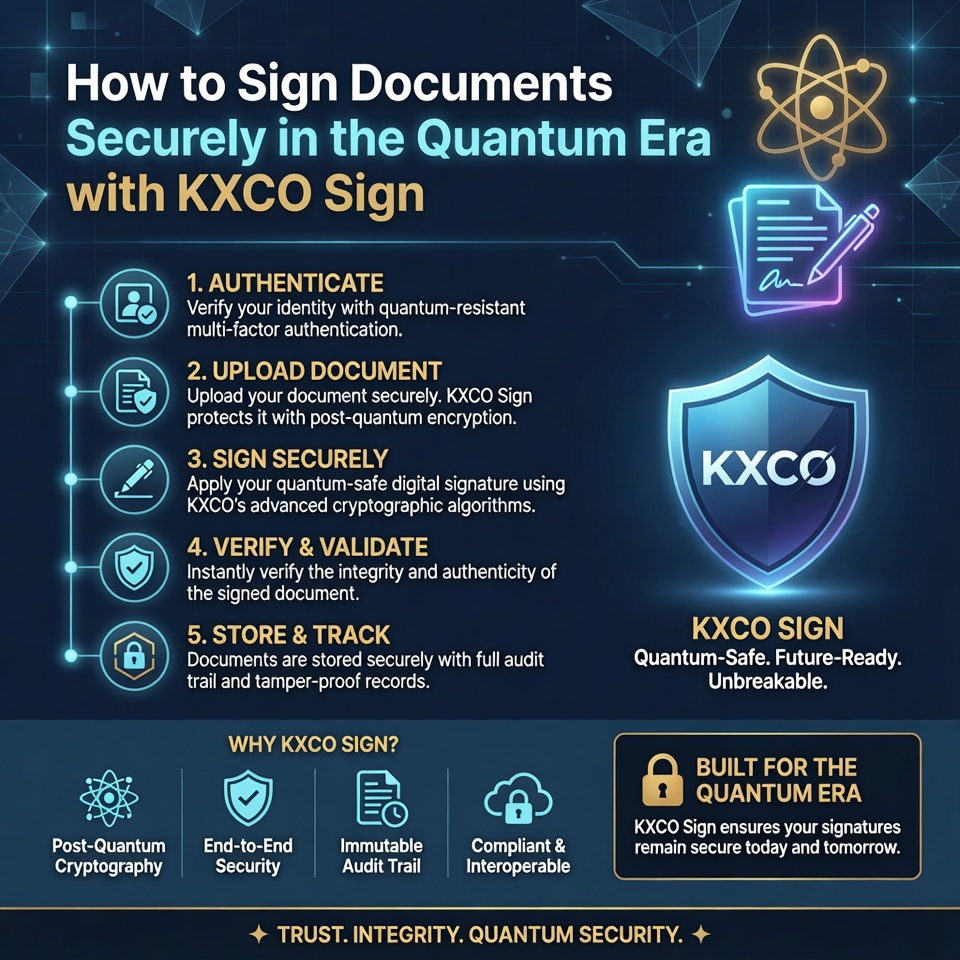
The electronic signature has quietly become one of the most important tools in modern business. We sign employment contracts, NDAs, loan documents, shareholder agreements, property leases and supplier deals without ever reaching for a pen. It is fast, it is convenient, and most of the time we never think about what is actually protecting that signature. That last part is the problem — and it is the reason KXCO built KXCO Sign.
This is a practical guide to signing documents the secure way: what KXCO Sign does, how you actually use it, and why the cryptography underneath it matters more than most people realise. If you want the complete click-by-click walkthrough, the full user guide is here. If you want to understand why you should care, read on.
The quiet weakness in every e-signature you have ever made
Almost every mainstream e-signature platform — the household names included — relies on the same family of cryptography: RSA and elliptic-curve algorithms such as ECDSA. These have protected digital documents faithfully for decades. The catch is that they were designed for a world without large-scale quantum computers, and that world is ending.
A sufficiently powerful quantum computer running Shor's algorithm can break RSA and ECDSA outright. That is not science fiction or marketing scare-talk; it is the explicit reason the U.S. National Institute of Standards and Technology (NIST) ran a multi-year global competition to select replacement algorithms, and finalised the first post-quantum standards in 2024.
The threat is not only "someday." It is "harvest now, decrypt later." A document you sign today might need to stand up in court, or prove ownership, or anchor a financial obligation a decade from now. An adversary can capture today's signatures and wait for the hardware to catch up. When it does, a signature secured only by RSA becomes forgeable after the fact. For a one-week marketing consent form, who cares. For a 30-year mortgage, a corporate share transfer, or an intellectual-property assignment, that is a genuine liability sitting quietly in your filing cabinet.
KXCO Sign was built specifically to close that gap.
What KXCO Sign actually is
KXCO Sign is an online electronic-signature platform built for the post-quantum era. On the surface it does what you would expect: you upload a document, decide who needs to sign, place the fields, and send it. Recipients sign from any device, and you get a completed, legally binding PDF back.
Underneath, it does something none of the legacy tools do. Every signature is produced with ML-DSA-65 — also known as CRYSTALS-Dilithium — the post-quantum digital-signature scheme that NIST standardised as FIPS 204. And when everyone has signed, a cryptographic fingerprint of the finished document is anchored on a public blockchain, the KXCO Armature L1, so its proof is permanent and does not depend on KXCO continuing to exist.
In plain terms: the signatures are designed to survive quantum computers, and the proof is designed to survive KXCO itself. Those are two very different promises from "we emailed you a PDF."
How to sign a document, step by step
The product is deliberately simple to use. Here is the whole flow; the full guide expands every step with detail.
1. Create a free account. Go to sign.kxco.ai and choose Get Started Free. There is a free plan and no credit card is required to begin. You land on a dashboard that tracks everything you send and sign.
2. Upload your document. Drag in a PDF, or a Word and similar office file, which KXCO Sign converts to PDF automatically so the version everyone signs is fixed and consistent. Your original is never altered — signing produces a brand-new completed file.
3. Choose how it gets signed. You can sign it yourself in seconds, or add other people. For multi-party documents you choose between parallel signing, where everyone can sign at once, and sequential signing, where each person is invited only after the previous one finishes — exactly what you want for an approval chain.
4. Place your fields. Drag signature, initials, name, date and other fields onto the page and assign each to a specific signer, so people only see what they need to complete.
5. Send and sign. Recipients get an email with a secure link, open a clean signing view, complete their fields and apply their signature. No account, no app to download.
6. Download and verify. When the last signer finishes, you download the completed PDF with its certificate of completion, and you — or anyone you share it with — can confirm its authenticity at verify.kxco.ai.
That is genuinely the entire process. Most documents go from upload to sent in under five minutes.
Three ways to sign, for three real situations
One of the things that makes KXCO Sign feel grown-up rather than gimmicky is that it handles the messy reality of how documents actually move.
Self-signing is for the times you simply need to apply your own signature — a policy acknowledgement, a declaration, a document you are counter-signing. One click and it is done, with full post-quantum proof.
Multi-party signing is for contracts with two or more parties. Parallel mode is fastest when order does not matter; sequential mode enforces a strict signing order, which is invaluable when, say, a junior must sign before a director, or a tenant before a guarantor.
Guest signing is the quiet hero. Your counterparties, clients and one-off signers do not need a KXCO account and have nothing to install. They click a secure signed link, sign, and you are both done. The friction that kills so many deals — "I don't want to create yet another account just to sign this" — simply disappears.
A small but genuinely useful touch: as you send documents, recipients are saved to your address book, and the email field autocompletes the next time you invite them. Over a few weeks of use it quietly saves a surprising amount of time.
Smart fields turn a static PDF into a guided form
A signature box is the bare minimum. KXCO Sign goes much further, which matters if you send the same kinds of documents repeatedly.
You can drop in text fields with format validation — so an email, phone number, postcode or ID number is checked before the signer can submit, rather than discovered to be wrong afterwards. You can add dropdowns so signers pick from options you define, checkboxes for consent, and you can mark any field required so a document cannot be completed until it is filled.
Two advanced field types are worth calling out. Conditional fields appear or disappear based on what a signer entered elsewhere — reveal a follow-up question only when a box is ticked, for example. And calculated fields compute a value live from other fields, such as a total, and display it read-only. Together these turn a flat PDF into a guided form that produces clean, complete documents the first time, with far less back-and-forth.
How the security really works — in plain English
This is the part that sets KXCO Sign apart, so it is worth understanding rather than glossing over.
Post-quantum signatures. Every signature uses ML-DSA-65 (NIST FIPS 204). That single fact is what makes a KXCO Sign document tamper-evident even as quantum computing matures — the property that older RSA/ECDSA tools cannot promise.
Self-contained proof. The signed PDF carries its own cryptographic envelope inside it. Whoever holds the document can verify it independently. There is no lock-in: you are not dependent on logging into KXCO forever to prove a signature is real.
Blockchain anchoring. When a document is complete, a SHA-256 fingerprint of it, plus a platform attestation, is written to the KXCO Armature L1 blockchain (Chain ID 1111). That record is public and permanent. You can browse the chain at chain.kxco.ai. It is the difference between "trust our database" and "check the public ledger."
Private by default. Only the hash is public. The contents of your document and the identities of the signers stay private to the parties involved. You get public-ledger permanence without publishing anything sensitive.
How it compares to the tools you already know
It helps to be concrete about where KXCO Sign sits next to the names everyone recognises. DocuSign, Adobe Acrobat Sign and their peers are mature, capable products, and for low-stakes paperwork they are perfectly adequate. Where they fall short is precisely the dimension KXCO was built around: the cryptography that protects the signature.
Those platforms secure signatures with RSA and ECDSA. They typically prove a signature by referring back to their own audit trail held on their own servers — which is fine until you need to prove something years later, or the vendor relationship ends, or the underlying algorithm is no longer considered safe. KXCO Sign differs on three counts. The signature itself is post-quantum (ML-DSA-65), not RSA. The proof travels inside the signed PDF, so it does not depend on logging into KXCO. And the completion is anchored on a public blockchain, so the record exists independently of any one company's database. You are not asked to trust a vendor's word; you are handed evidence you can check yourself.
For an internal sign-off sheet, the difference may not matter. For the documents that define ownership, obligation and value over the long term, it is the whole point.
What you actually get back
When signing finishes, you do not just get a stamped PDF. You get the completed document with embedded cryptographic proof, plus a certificate of completion that records each signer, the time they signed and the technical details of the signature. That package is self-verifying: send it to a lawyer, a regulator or a counterparty, and they can confirm it is authentic and unaltered at verify.kxco.ai without needing anything from you. It is the kind of clean, defensible record you want sitting behind an important agreement.
Honest about what it is — and what it is not
It is easy for security products to over-promise, so KXCO is deliberately precise. KXCO Sign produces advanced electronic signatures (AdES), which are legally binding under the U.S. ESIGN Act and the EU eIDAS regulation. The on-chain anchor provides tamper-evidence — proof that a document has not been altered — rather than a regulated "qualified timestamp," which is a specific legal instrument provided by accredited trust-service providers.
In practice, for the vast majority of business documents, an advanced electronic signature with post-quantum cryptography and a public-ledger anchor is far stronger than what you are using today. But you should know exactly what you are buying, and KXCO would rather tell you plainly than let the marketing run ahead of the facts.
Why this matters for the people reading Live Trading News
If you operate in finance, trading, fund management or any business where documents carry real weight, the stakes are higher than for the average user. Subscription agreements, side letters, KYC packs, custody arrangements and shareholder resolutions are exactly the documents that need to remain provably authentic for years, sometimes decades. They are also exactly the documents a future adversary would most want to forge.
Migrating to post-quantum signatures is one of those decisions that looks optional today and obvious in hindsight. The cost of starting now is essentially zero — a free account and a few minutes. The cost of discovering, years from now, that a portfolio of critical agreements was secured only by soon-to-be-broken cryptography is not something you can fix retroactively.
Get started
You can sign your first document in the next few minutes. Create a free account at sign.kxco.ai, and keep the full step-by-step user guide open in another tab if you want to follow along. There is no credit card required to begin, guest signers never need an account, and every signature you make is protected by the same post-quantum cryptography that national standards bodies are now mandating for the decade ahead.
The pen-and-paper era ended years ago. The RSA era is ending now. KXCO Sign is what comes next.
KXCO Sign is a product of KXCO. Signatures comply with NIST FIPS 204 (ML-DSA) and are legally binding under the U.S. ESIGN Act and EU eIDAS regulation. On-chain attestations are recorded on KXCO Armature L1 (Chain ID 1111). This article is informational and is not legal advice.
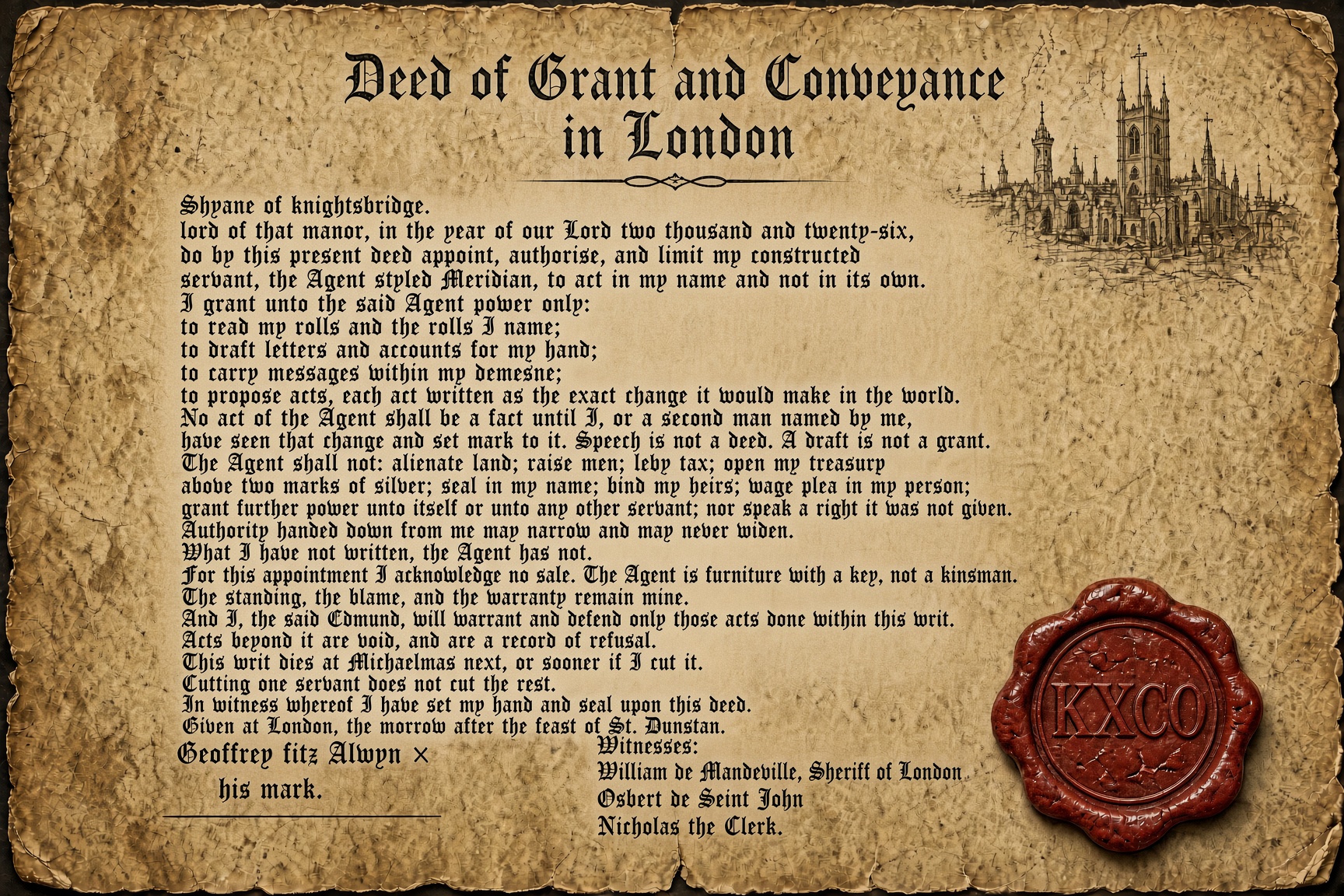
Your AI Agent and the Law: Who Acted, By What Right, and What You Can Prove
Your agent already acts in a legal system that was built for people. No new statute is needed for a payment it releases to be an act of your institution. Twelve months later a court asks who acted, by what right, and what can be reconstructed, and an export from a product you do not own is not a file. KXCO writes the act quantum-signed, time-stamped and marked on chain before the dispute. Knightsbridge Law sits on every Round Table ontology, so counsel is at the table before the act.
The AI Safety Argument Is Being Held in the Wrong Room
The people who will be blamed for what AI does are not in the room where its safety is argued. A jailbreak escapes a policy. The failure that costs money is an action that escapes an owner, a payment sent or a record altered. Tokens are not authority. Intelligence got cheap and judgment did not, and there is no organ of standing you can copy into a model. Shayne Heffernan on the objection worth taking seriously, and the questions to take into a vendor meeting.
Quantum Is Accelerating
Quantum is accelerating. Not toward a machine that breaks RSA next quarter, which is still five orders of magnitude away on the first honest cross-platform yardstick the field has ever had, but toward foundries, clouds, logical qubits and government deadlines that are already fixed. Two clocks are running. Only one of them is slow, and it is not the one that decides what a bank, a court or a ministry has to do this year.

Ignore the Noise: AI Is Not Slowing Down
Commentators pointed at a flat Nasdaq, a few missed prints, the cost of a megawatt and a safety letter, and called it a slowdown. It is not. Between 12 August and 16 September 2026 nine labs shipped frontier or near-frontier models, and the contest moved from one leaderboard to two stacks. What actually slowed is accountability. Enterprises still cannot put any of it into a court file. That gap, not the capability curve, stops deployment inside banks, hospitals, courts and ministries.
Every story, signed and delivered.
Subscribe to the kxco channel and get the headline, the AI-written key takeaways, and the chain-anchor link the moment we publish. Audio versions and per-ticker subscriptions arrive in the next iteration.